Target file size
Choose 50, 100, 200 or 500 KB, or enter your own limit. JPG and WebP adjust quality and, when allowed, dimensions to approach the target.
Photo & image · Free browser tool
Reduce photo file size for upload forms, email and websites. Set a target KB size for JPG or WebP, resize or crop, and compare the result. Free, with no signup.
Free downloads · No signup · No watermark · Photos processed on your device
What you can do
Choose 50, 100, 200 or 500 KB, or enter your own limit. JPG and WebP adjust quality and, when allowed, dimensions to approach the target.
Choose JPG for compatible photo uploads, WebP for photos with transparency, or lossless PNG for transparent graphics.
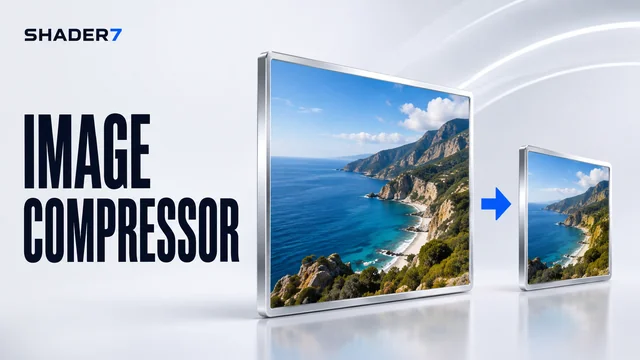
See the original and compressed photo together, including dimensions, file sizes and the percentage saved. Work on one photo at a time.
Getting started
Choose a photo from your device. Your image stays in your browser.
Set your target size and format. Resize or crop only if you need to.
Compare the size and detail, then download your compressed photo.
Choose the 100 KB preset for JPG or WebP. The app aims to stay under the limit and tells you when your dimensions prevent it from reaching the target.
Resizing preserves proportions. Enter both width and height and enable cropping if you need a specific shape.
PNG uses lossless encoding, so the target KB setting does not apply. Resize the image or try WebP for a smaller file with transparency.